Only some people see this tab. If you cannot see it, you do not need it — ask whoever looks after the website.
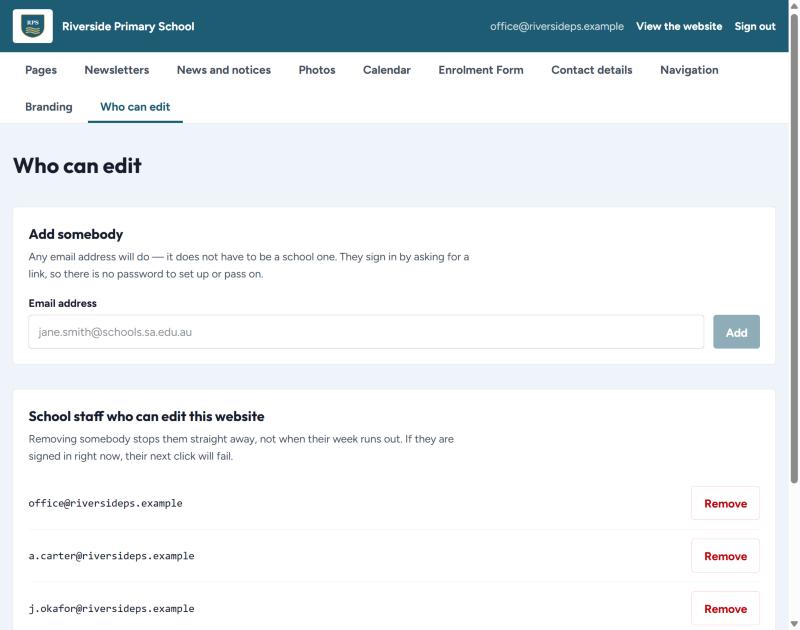
Adding somebody
- Type their email address.
- Press Add.
That is all. There is no password to set up or pass on — they sign in by asking for a code, like everyone else. Any email address will do; it does not have to be a school one.
Removing somebody
Press Remove. It takes effect straight away, not when their week runs out. If they are signed in at that moment, their very next click will fail.
Keep this list tidy
Take people off when they leave the school. It takes ten seconds and it is the single most useful security habit for a site like this.