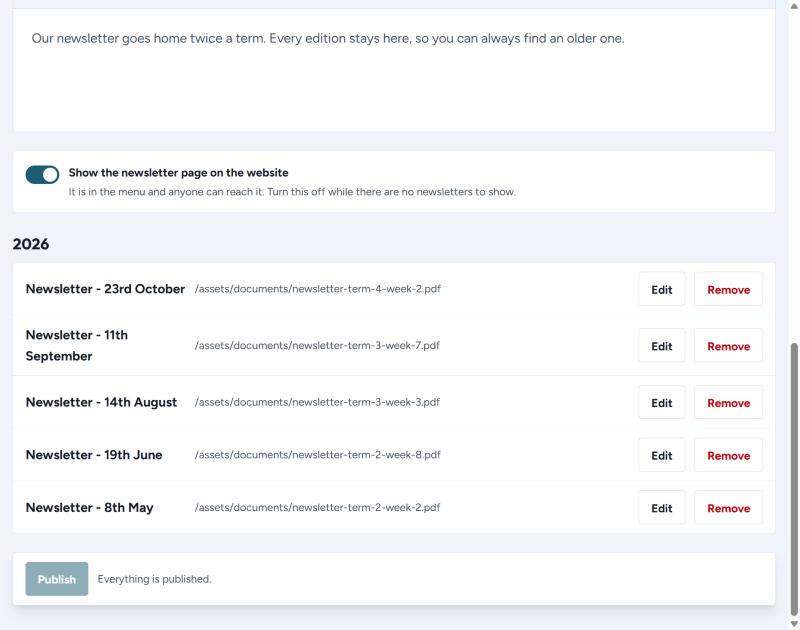
Every newsletter you add stays on the website, grouped by year, so a family can always find an older one.
Adding one
- Press + Add newsletter.
- Pick the day it went out. The button on the website is named after that day, so pick the real date.
- Press Upload a PDF and either drag the file in or press Choose a file.
- Press Add.
- Add any others the same way, then press Publish once.
If the newsletter already lives somewhere else on the web, press Paste a link instead and paste the address.
Changing or removing one
Press Edit beside it to change the date or swap the file. Press Remove to take it off the website.